
“I didn’t know
that had changed.”
Important news competes with everything else in the inbox. Managers repeat the message, and people still miss the context.
Your people. In the picture.
Company updates. Useful resources. Learning that stays close to the work.
Bring your internal communication, employee training and everyday knowledge into one branded team community. Give people a clearer place to start—and a simpler way to stay connected.
Explore the team experience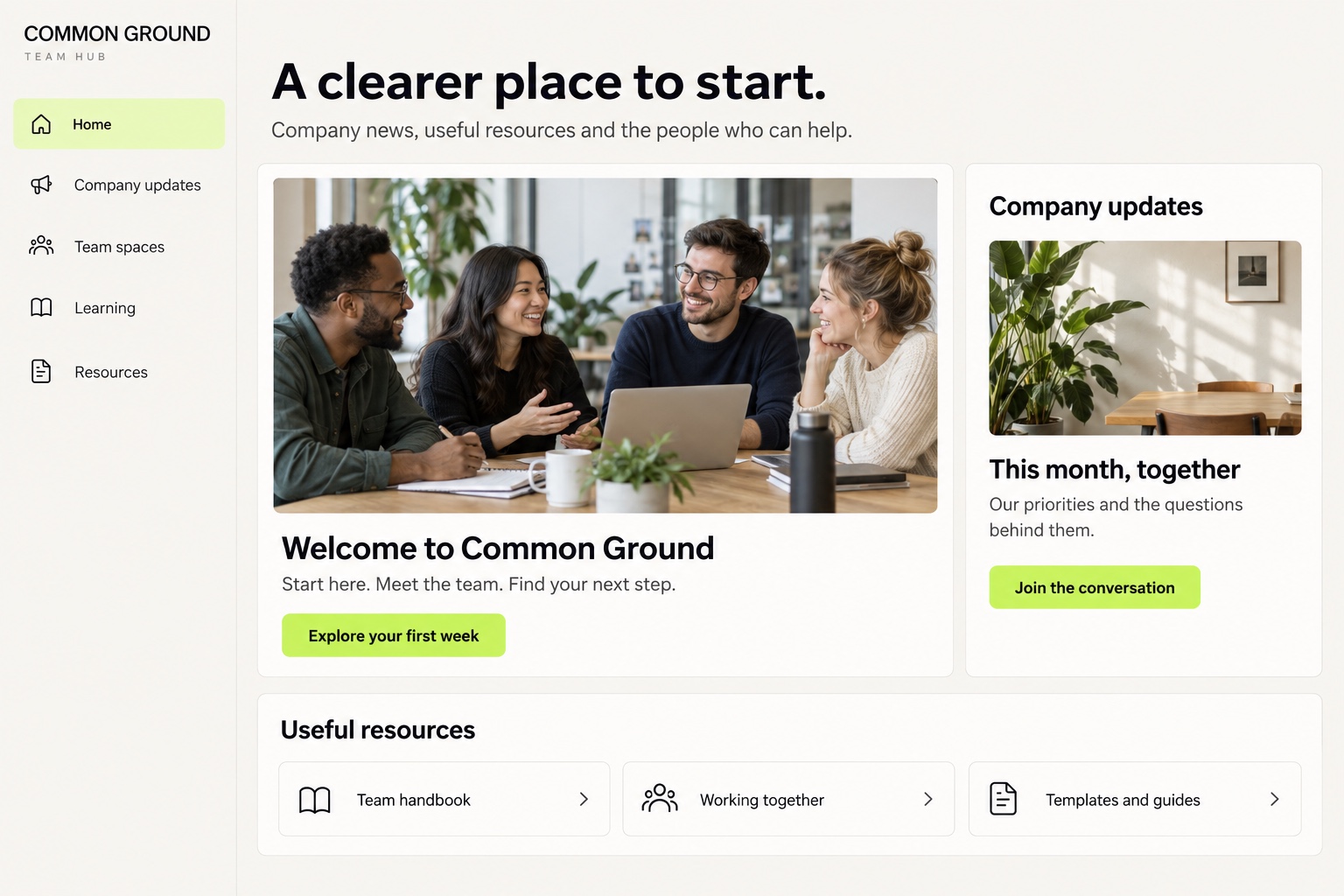
01 / The friction in the working day
The handbook is in a folder. The update is in an email. The answer is in a chat that half the team never saw.
Work shouldn’t depend on knowing who to ask for the right link. Give the information your people use every day an agreed home.
Important news competes with everything else in the inbox. Managers repeat the message, and people still miss the context.
A few helpful people become the route to every document, process and answer. Their own work keeps getting interrupted.
New starters get a different introduction depending on who is available. Useful guidance arrives in fragments.
Different locations, working patterns and departments can mean different versions of what is happening.
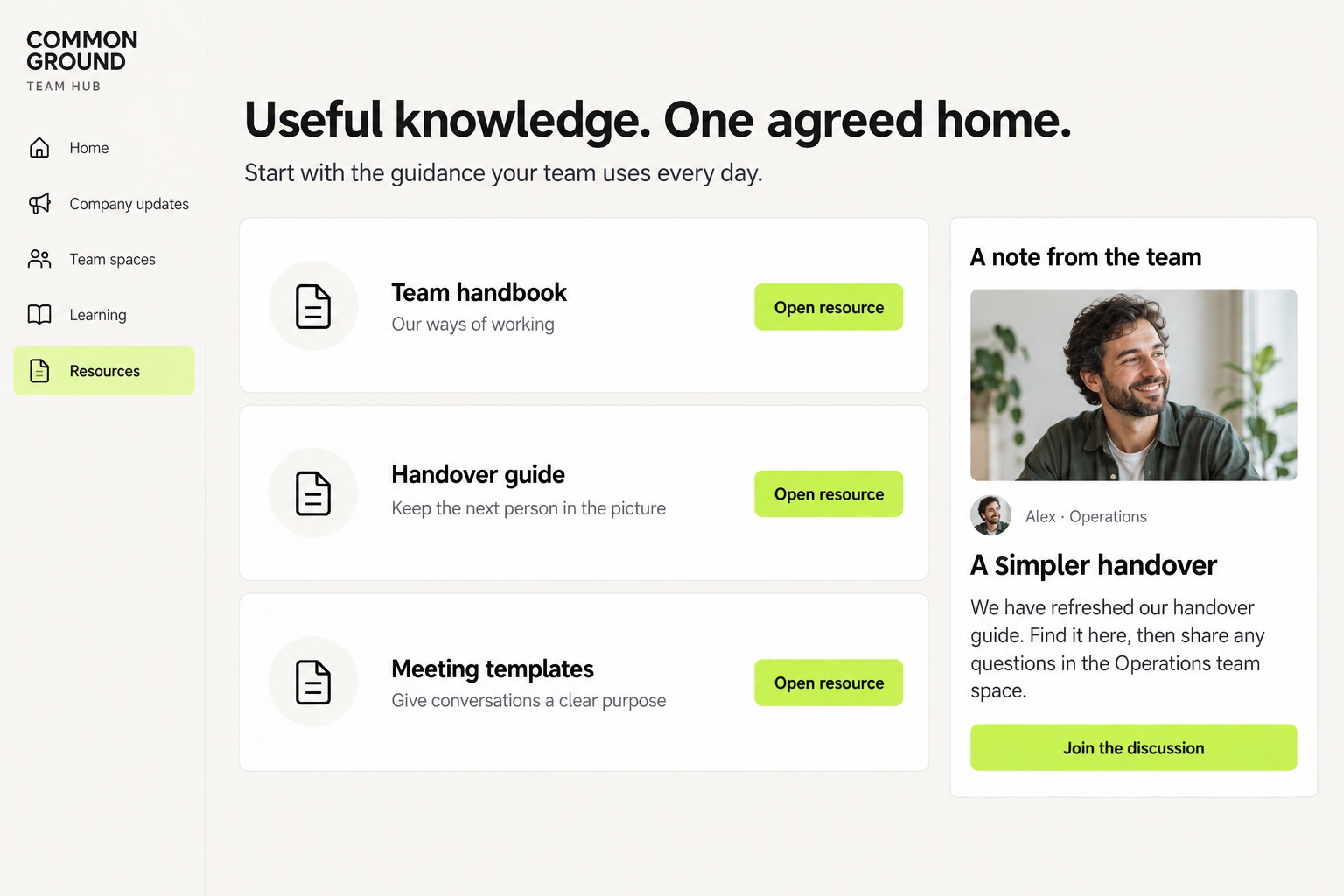
02 / Company updates & everyday knowledge
Bring company announcements, handbooks, guides and templates into clearly organised spaces. Keep the context alongside the resource, so people understand what changed and where to go next.
03 / Onboarding & employee learning
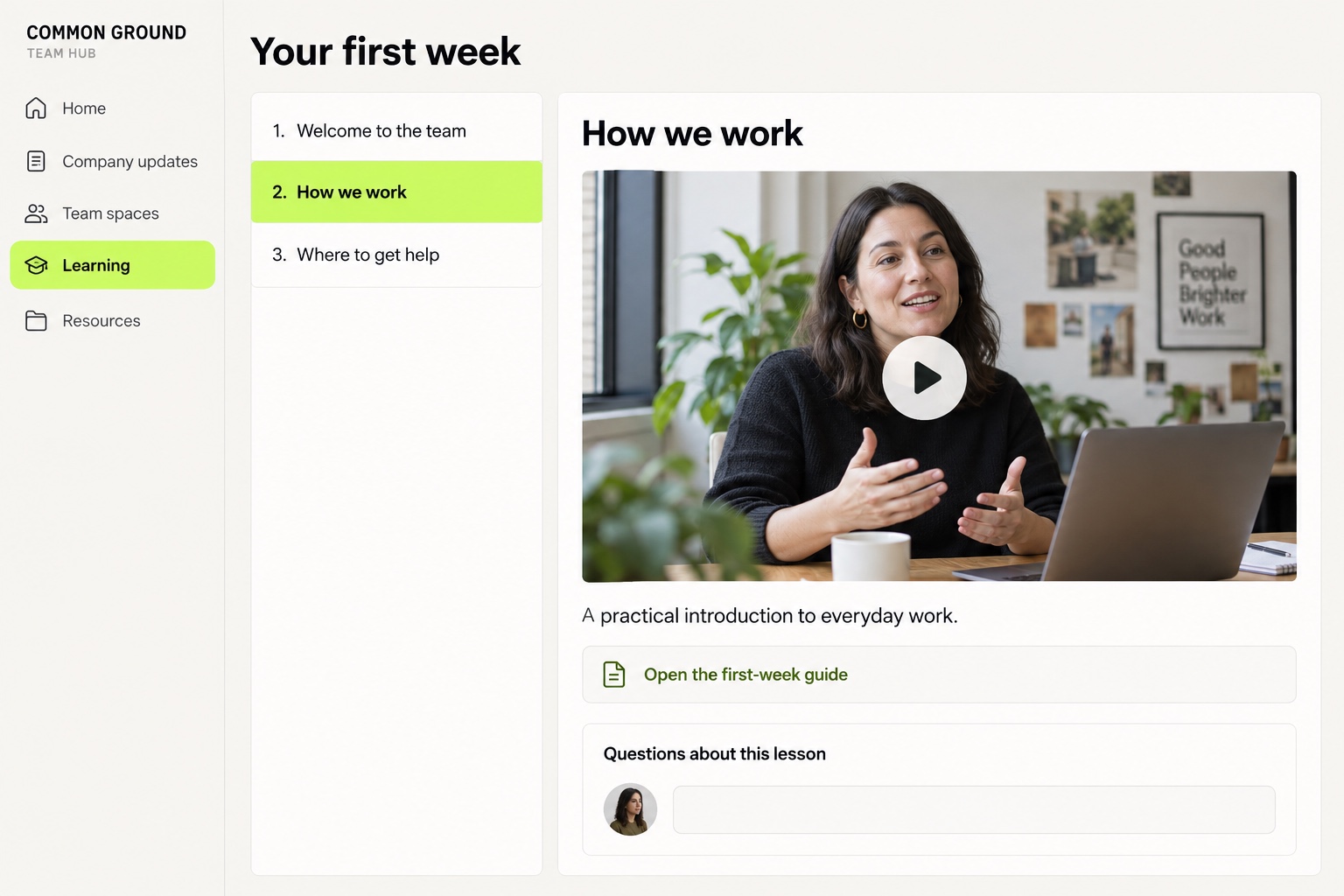
Turn essential knowledge into courses, chapters and lessons. Bring welcome videos, practical guidance and supporting resources into a sequence people can return to.
04 / Team spaces, group chat & direct messages
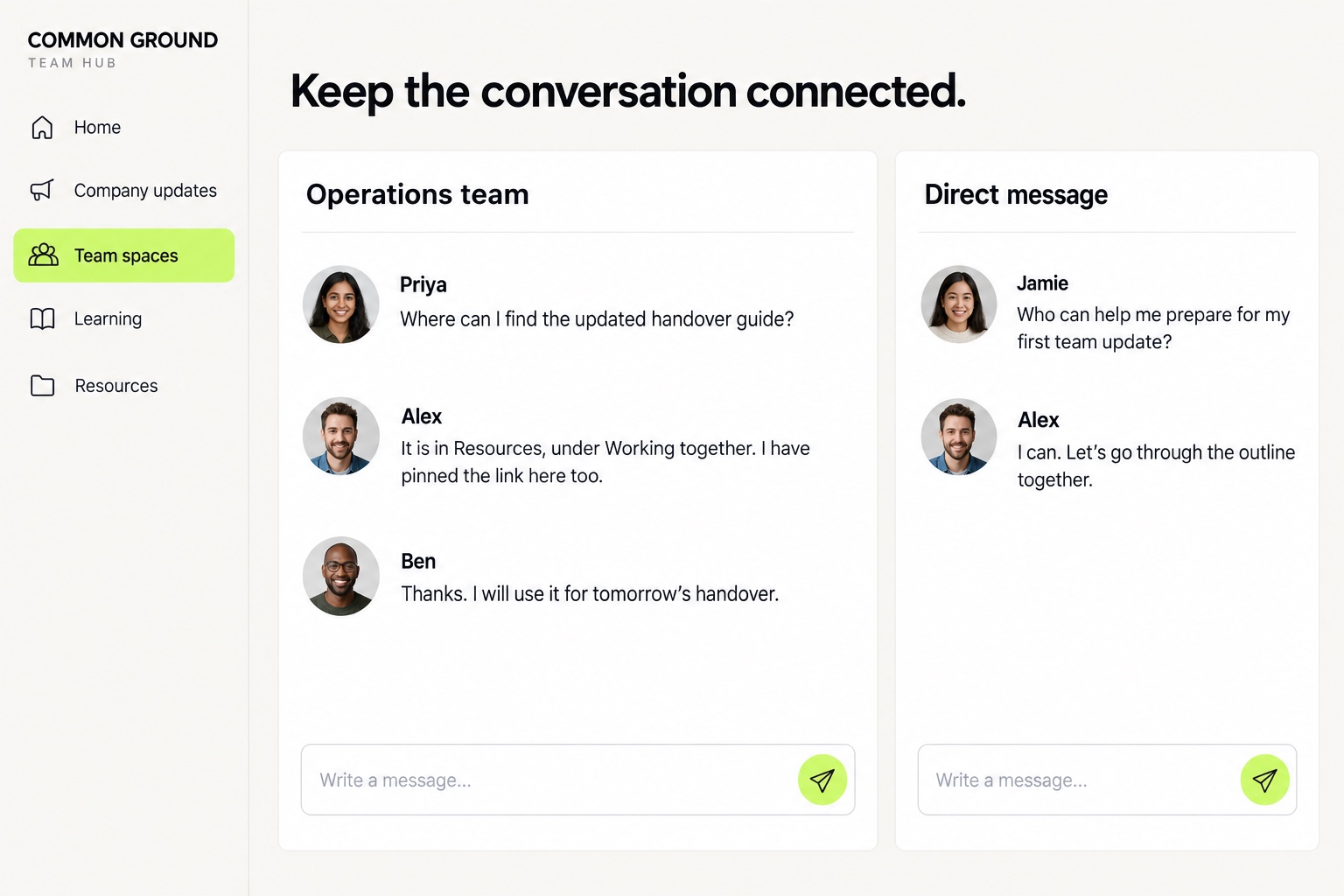
A place for the team.
A way to ask one person.
Use dedicated spaces for departments and shared interests, group chat for an ongoing conversation, and 1:1 messages when a question belongs with a particular colleague.
Keep useful answers in shared spaces so the next person can learn from them too.
Questions, ideas, polls and practical feedback help make communication more than a broadcast. Show people what happens next with their input.
Agree where messages belong, when a reply is expected and which existing channel handles urgent issues. A clearer system needs clear habits.
Organise team events, learning sessions and company Q&As with details and RSVPs in one place. Add useful recordings and resources afterwards.
05 / One business. A shared sense of direction.
Make the everyday culture visible.
Welcome new colleagues. Share useful work. Celebrate a team milestone. Explain the thinking behind a decision—not just the decision itself.
A branded community gives people a familiar place to connect across locations and working patterns, on mobile and desktop. Make time and access part of the rollout, so participating fits the working day.
06 / Start useful. Build the habit.
Start with the information people already need and the conversations already happening. Give the new home a clear role alongside the tools you keep.
Company updates, a first-week course and your most-used resources. Start with a small, useful structure.
Agree who publishes, who maintains resources and who answers questions. Keep the experience current.
Introduce the team, explain where to go and listen to what is confusing. Improve from real use.
07 / Before you bring the team in
Yes. This setup is focused on internal communication, employee learning and shared company knowledge. Your branding, spaces and welcome content can reflect your business and the people working in it.
You can organise resources and links, publish updates and keep related conversations together. Give content a named owner and make clear which copy people should use. If you need formal document version control, approvals, retention rules or audit trails, check those requirements separately before replacing your existing document system.
Yes. Use courses, chapters, lessons and resources to structure a welcome programme or ongoing learning, with spaces for questions and discussion. Mandatory training records, assessments, certificates and completion reporting need a separate requirements check; they are not promised as part of this setup.
It may bring some of your communication, content and learning into one place. Whether it replaces a tool or works alongside it depends on what your team needs. We would review your calls, integrations, document workflows and learning requirements before recommending a change.
Dedicated spaces can organise company-wide and team-specific content and conversations, with private spaces where appropriate. Agree membership and permissions before launch. Identity management, single sign-on, automatic joiner/leaver processes and sensitive-data requirements need to be checked for your organisation.
This page does not promise read receipts, mandatory acknowledgements or compliance evidence. Comments, questions and polls can invite a response, but they are not proof that everyone has read or understood a message. Keep a separate agreed process where acknowledgement is essential.
The community works on mobile and desktop. Events can bring joining information and RSVPs together. Use an external meeting link, or discuss native live features available with your chosen plan. Recordings and follow-up resources are uploaded by your team. Consider device access and working patterns when you introduce it.
Start with a clear audience, a useful purpose and a small set of content: a welcome, the latest updates and the resources people regularly ask for. We can help shape the structure and branding. Guided setup and hands-on implementation may be available separately from your subscription.
A more connected working day
Your updates, your knowledge and your people.
One recognisable home, under your brand.